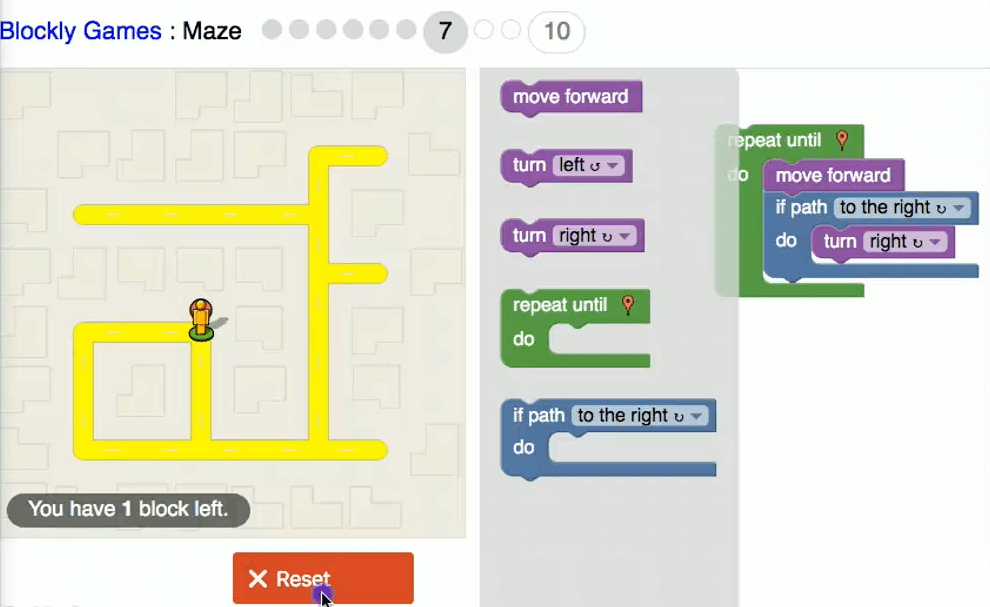
Coding is computer programming where a language has to be learnt and a level of computational thinking needs to be reached to understand how coding works (NESA, 2019). When coding in the class room is understood it can greatly benefit the students and foster great amounts of creativity that allows for greater computational thinking and understanding. There are many platforms that can be used in the classroom that allows for students to code and to create whatever the can imagine within the parameters of a particular program. Most coding platforms for primary aged students use block coding which is seen in figure 1.1 and allows for students to drag and drop instructions for the program to run. An example of this coding language is Microbit editor (figure 1.2) and Blocky game maze (figure 1.1).
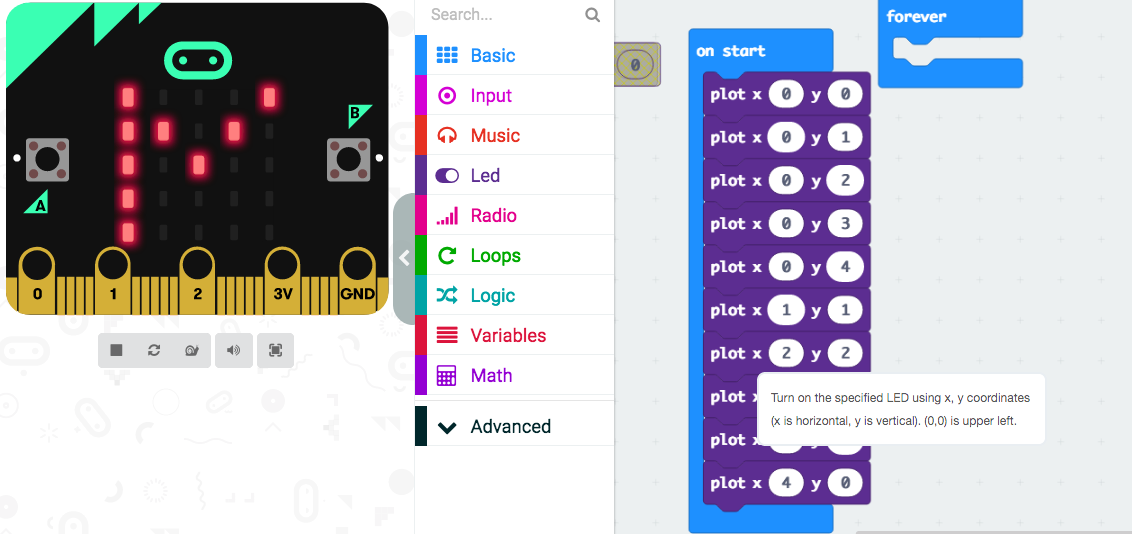
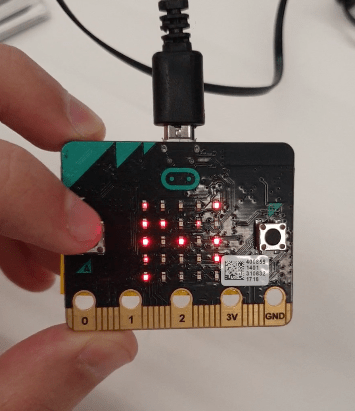
The use of coding in education relies heavily on constructionism as it is something that needs to be taught to students as they will need some understanding of how coding works and how it can do whatever its told to do through the block coding language that would be used for primary students. Once students are taught these programs and languages “it doesn’t take too long playing with some code to generate truly evocative images and visual experiences.” (Greenberg, 2007). By allowing students to play around with block coding in different programs it allows them to gain a grasp on what different actions do and how to recreate the multiple times and to make them simpler, this improving on their computational thinking and allowing them to be creative in the way that they code as evident in figure 1.1 and figure 1.3). Through the Blocky maze game it allowed students to improve on their block coding skills as each level of the game introduced different obstacles for the user to overcome and encourages creative coding to reach the end goal. The Microbit editor can be used with or without the Microbit computer, and this allows for versatility in the classroom as students can still get the full effect of the block code programming without any hardware as demonstrated in figure 1.2. Through the use of both these programs it allows for students to broaden their computational thinking and creativity as these programs encourage this type of thinking.
NSW Education Standard Authority. (2019) Retrieved from https://educationstandards.nsw.edu.au/wps/portal/nesa/k-10/learning-areas/technologies/coding-across-the-curriculum
Greenberg, I (2007) Processing: Creative Coding and Computational Art.
 EDUC3620 Digital Creativity and Learning